How to collect wedding videos from guests' phones (that you'll actually use)
Most guest video at a wedding never gets shared. Here's how to collect wedding clips from your guests' phones: the prompt, the QR code, and the clip length that turns a camera roll into a recap.
A wedding is one of the most-recorded events of anyone's life. By the end of the night there are usually hundreds of clips spread across phones nobody is going to look at again. The clips exist. They just never become anything.
We've been talking to wedding hosts running our private beta about what changes that, and almost all of it comes down to the prompt.
The prompt is the product
If your guests open Instagram, they get prompted to capture in a specific way: vertical, short, ready for stories. That's why their stories look polished. When the same person points a phone at your first dance with no prompt, they record landscape, for thirty seconds, with their thumb half over the lens.
The fix is small but unintuitive: ask for a very specific clip.
Instead of: "Please film the dancing!"
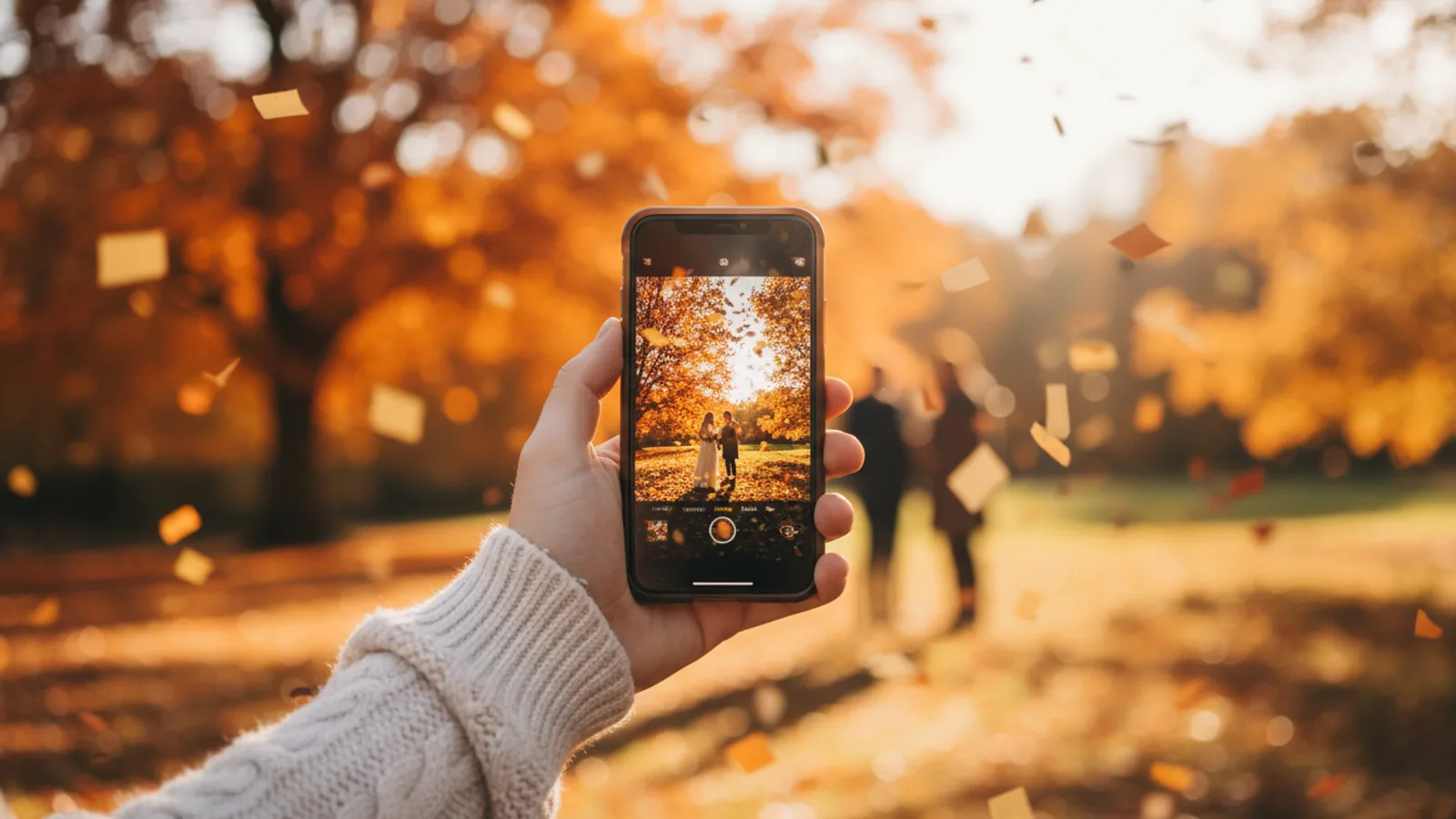
Try: "Hold your phone vertically and grab 3 seconds of one moment that surprised you."
The second prompt has done more for recap quality in our beta than any post-processing we've shipped.
Vertical + short is not about the platform. It's about the cognitive load on a guest who is also trying to enjoy your wedding.
Three things that move the needle
- Frame the ask before the event. Put it on the invite. "We're collecting 3-second clips for the recap: vertical, please."
- Reduce decisions on the night. A single QR code on the table, the welcome speech, and the favours card. Guests should not have to figure out where to upload.
- Show, don't just tell. A 10-second example reel during the ceremony intro converts more uploaders than ten paragraphs of instructions.
Why the QR code isn't a barrier anymore
Hosts used to worry that a QR code would confuse older guests. That ship has sailed. In TEAM LEWIS / Bitly survey data, 68% of people scanned a QR code in the past year, and roughly half of Gen Z and Millennial guests scan one at least weekly. Pointing a camera at a square is now a reflex, not a hurdle, which is exactly why it's the lowest-friction way to collect video from a room full of people who don't want to install anything. No guest of yours will ever need to install an app.
What still breaks a scan is the print. A code shrunk onto a place card, or a round sticker cut through its own quiet zone, fails in the one second a guest gives it. We measured the sign sizes that actually hold. The whole path, from the printed code to the album, is in how to collect guest videos with a wedding QR code.
What "good" guest footage looks like
We looked at the recaps in our beta that hosts forwarded to family on day one (the highest bar of all). The common pattern in the source clips:
- 1 to 5 seconds long
- Vertical
- One subject, one beat
- Often unsteady, and that's fine, the cut absorbs it
Vertical is the only one of those we won't bend on, and the evidence behind it is better than the usual advice.
Short isn't a compromise, either. Even in rigorous ad testing, a MAGNA / IPG Media Lab study with Snap found 6-second videos were about as persuasive as 15-second ones. A handful of crisp one-second beats almost always cuts better than one long, wandering clip.
You don't need cinematographers. You need permission for guests to do less.
Why this matters for the recap
A wedding recap video is downstream of its inputs. The clearest predictor of whether a recap gets shared is whether the clips were shot with sharing in mind. We can do a lot (beat-matching, colour, pacing), but we can't add intention that wasn't there at capture.
So if there's one thing to take from this: rewrite your prompt. Then trust your guests. The same goes when you ask for words and not moments: the questions that get an answer are in the wedding video guest book post.
It also helps to know when to ask. Most photography packages are eight hours, and most weddings are closer to thirteen, so the hours your guests are the only ones filming are usually the last ones. Our free wedding day timeline generator lays out your day and marks which parts have a camera on them.
Turn your guests' clips into a recap worth sharing.
One QR code, no app for your guests, a vertical recap before the after-party. Create your event and see it for yourself.
Sources
- TEAM LEWIS / Bitly. QR Code Statistics (consumer scanning behaviour).
- MAGNA / IPG Media Lab & Snap. Study debunking myths about video ad length (6-second vs 15-second).