Wedding video guest book: four ways to do one, and what to ask your guests
A video guest book swaps the pen for a recorded message. The four ways to set one up (a booth, an audio phone, a phone on a tripod, or a QR code on each guest's own phone), the prompts that stop people freezing, how long a message should be, and where to put it.

The short answer
A wedding video guest book is the guest book recorded and not written: each guest leaves the couple a short message on camera. There are four ways to do one: rent a booth or kiosk, rent an audio guest book phone (sound only), leave a phone or tablet on a tripod, or put up a QR code so each guest records on their own phone. Ask for one sentence, give people a ready-made question, and set it up away from the speakers.
The paper guest book has a known problem: half the pages say "congratulations to you both" and the rest are blank because the line was in front of the bar. Video solves a different thing. Ten years from now, what you will want is not your grandmother's signature. It is her voice.
The four ways to do one
| Booth or kiosk | Audio guest book phone | Phone on a tripod | QR code on the guest's phone | |
|---|---|---|---|---|
| What the guest does | Steps in, presses a button, talks | Picks up the handset and talks | Presses record on your device | Scans, records on their own phone |
| Who sets it up | The vendor | The vendor, or it is shipped to you | You, plus someone to mind it | You print the sign |
| A line | Yes, one at a time | Yes, one at a time | Yes, one at a time | No, everyone at once |
| Message length | Long, if they like | Long, if they like | Long, if they like | Short: one sentence |
| What you get back | The videos, days or weeks later | The audio, days or weeks later | One huge file to cut up | Separate clips, the same night |
| Cost | A rental | A rental | A tripod | Free or cheap, depending on the tool |
What the guest does
- Booth or kiosk
- Steps in, presses a button, talks
- Audio guest book phone
- Picks up the handset and talks
- Phone on a tripod
- Presses record on your device
- QR code on the guest's phone
- Scans, records on their own phone
Who sets it up
- Booth or kiosk
- The vendor
- Audio guest book phone
- The vendor, or it is shipped to you
- Phone on a tripod
- You, plus someone to mind it
- QR code on the guest's phone
- You print the sign
A line
- Booth or kiosk
- Yes, one at a time
- Audio guest book phone
- Yes, one at a time
- Phone on a tripod
- Yes, one at a time
- QR code on the guest's phone
- No, everyone at once
Message length
- Booth or kiosk
- Long, if they like
- Audio guest book phone
- Long, if they like
- Phone on a tripod
- Long, if they like
- QR code on the guest's phone
- Short: one sentence
What you get back
- Booth or kiosk
- The videos, days or weeks later
- Audio guest book phone
- The audio, days or weeks later
- Phone on a tripod
- One huge file to cut up
- QR code on the guest's phone
- Separate clips, the same night
Cost
- Booth or kiosk
- A rental
- Audio guest book phone
- A rental
- Phone on a tripod
- A tripod
- QR code on the guest's phone
- Free or cheap, depending on the tool
A booth or kiosk gives the best sound and light, because the guest stands in a closed corner facing a fixed camera. It is also the most expensive option and the one that builds a line. Ask the vendor for a delivery from another wedding, how long the videos take to arrive, and whether they come cut one per guest.
An audio guest book phone has a charm the camera lacks: people who hate being filmed will happily talk into a handset. You lose the picture, which is half the point.
A phone on a tripod is the do-it-yourself version. It works on two conditions: someone you trust checks the device now and then (battery, storage, whether it is still recording), and someone cuts hours of footage into separate messages afterwards.
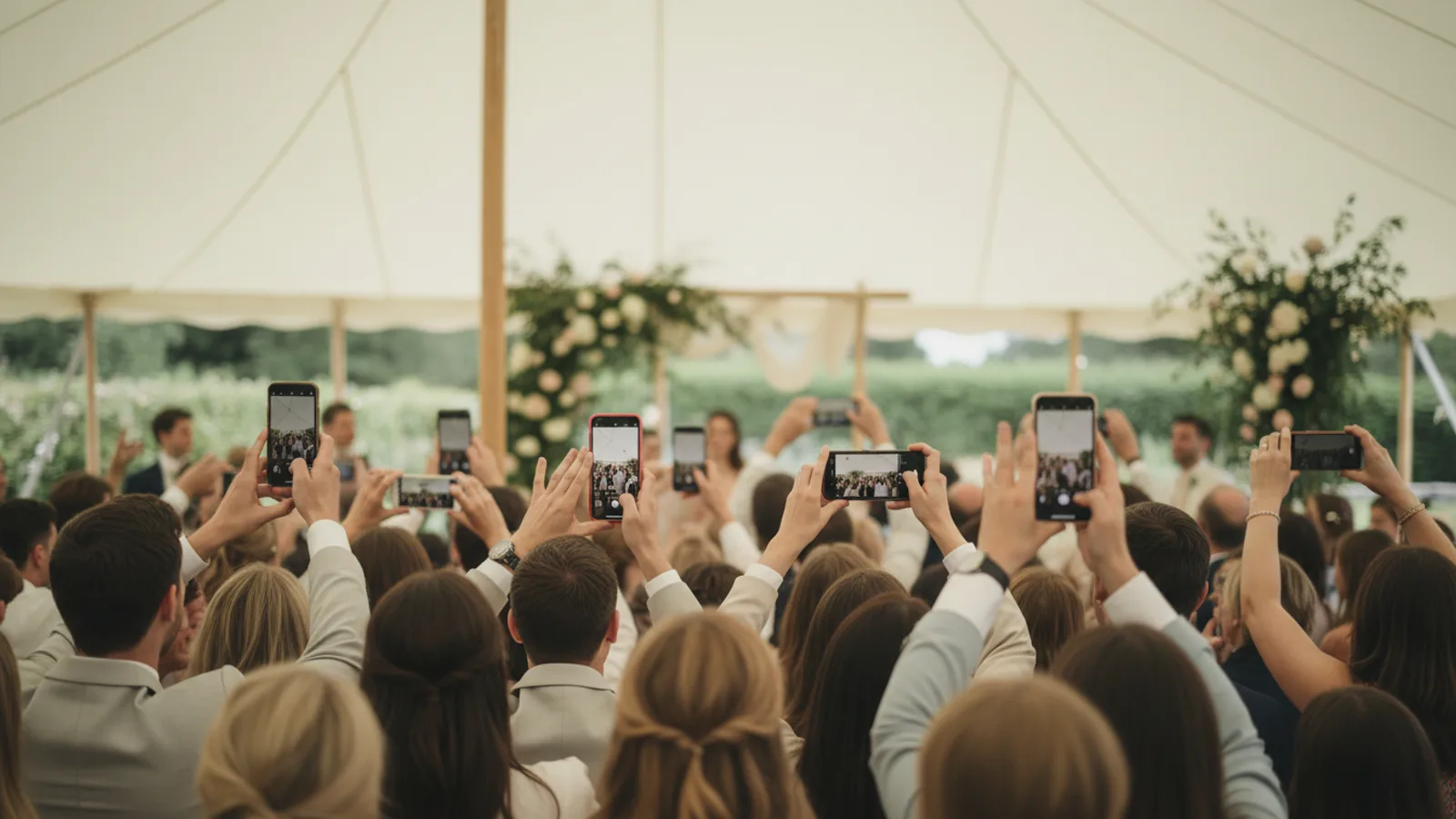
A QR code on each guest's phone turns it around. There is not one recording spot, there are a hundred. Each person scans the sign on their table and records where they are, when they feel like it, with nobody waiting behind them. The trade is length. It is the format for one sentence from many people, not the best man's three-minute speech.
A message from every guest, with no booth and no line.
With Moment Recap, guests scan one QR code and record from their phone's browser, with no app and no sign-up. They see the clip before it goes and can retake it. When the party ends, the night's vertical recap is cut for you, and the clips stay in the event for you to download.
One honest caveat: Moment Recap is built for short clips, a few seconds each. If what you want is long messages, every uncle telling a whole story, a booth or an audio phone does that better. The two together work as well: the phone for people with a lot to say, the QR code for everyone else.
What to ask your guests
"Leave a message for the couple" freezes nearly everyone. They hold the phone, think, say "oh, I don't know what to say" and give up. A ready-made question fixes it, because answering is easier than improvising.
Pick two or three and print them on the sign:
- One piece of marriage advice, in one sentence.
- Where do you think we will be in ten years?
- What is the moment from today you will not forget?
- How did you meet one of us?
- What should we never stop doing together?
- Finish the sentence: "The secret to a happy marriage is..."
- A five-second toast.
The ten-years question pays off most when the video is opened again, ten years on. The wording for the sign itself, with ready-made lines for each spot, is in what to write on your wedding QR code sign.
How long each message should be
Our view: shorter than you think. A hundred one-minute messages is over an hour and a half of video, and nobody watches an hour and a half of video, the couple included. A hundred messages of five to ten seconds fit in about fifteen minutes, which you can watch in one sitting on your first anniversary.
One sentence each is also what lets shy guests take part. Nobody is afraid of one sentence.
For the few people you want to hear more from (parents, grandparents, the wedding party), arrange it ahead and record them properly, in a quiet corner, early in the reception.
Where to put it, and when
The enemy is sound. A message recorded ten feet from the DJ's speaker is a person moving their mouth.
- Away from the dance floor. The entrance hall, a terrace, a corner of the lounge. For a booth or a tripod, near a power outlet.
- Light from the front. A window or a lamp behind the camera, never behind the guest.
- During cocktail hour. People are standing, talking, with a hand free and still sober. Once the dance floor opens, a message becomes a shout.
- With an announcement. One line from the planner or the DJ before dinner does more than any sign.
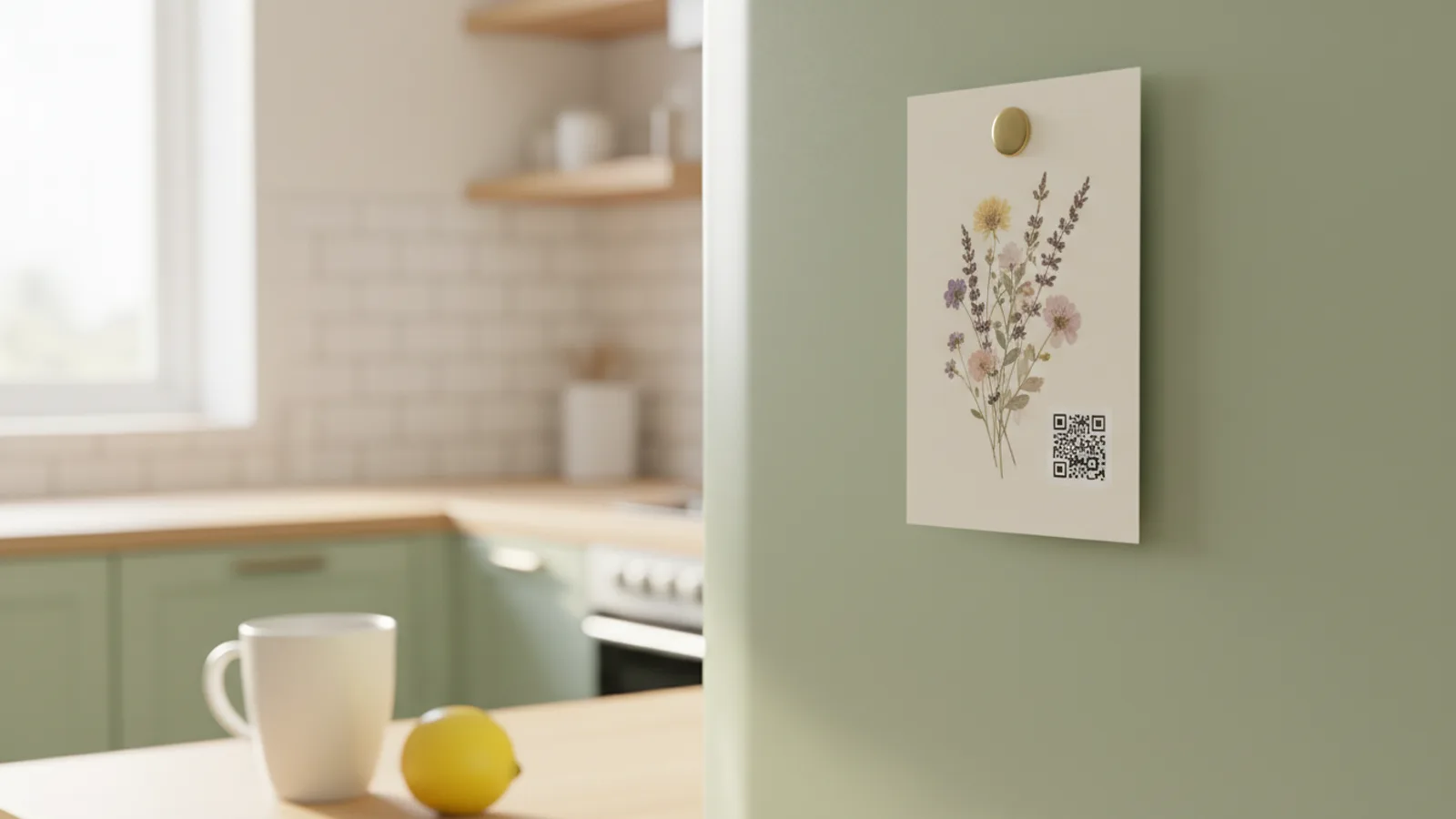
For the QR code version, the sign belongs where people stand still: tables, the bar, the entrance. The spots that work and the ones that do not are in where to put the QR code at your wedding. And since the upload leaves from the guest's phone, check ahead that the venue has signal or Wi-Fi.
Shy guests and older guests
Three things help:
- Recording in pairs. Couples and friends record together far more easily than alone.
- Someone doing the rounds. A bridesmaid or a cousin who walks the tables asking "have you done yours yet?" doubles the turnout. The same helper records with grandma, on their own phone.
- Paper stays on the table. A small book beside the sign, for anyone who would rather write. One does not rule out the other.
What to do with the messages afterwards
Download everything and keep it in two places. Services hold files for a set time, not forever, and that includes ours: clips stay available for a window that depends on the event's plan.
Then decide when to watch. Many couples watch it all on the honeymoon. Others save it for the first anniversary. Moment Recap has a time capsule for that: it stays sealed until a date you pick, even from you.
The messages are also not the same thing as the wedding recap video. The recap is the night in seconds, set to music, for posting. The messages are for the two of you. It is worth asking for both on the same sign: "film one moment of the party and leave us one sentence". How to ask for the clips is in how to collect wedding videos from guests' phones.
Quick questions
Does it replace the paper guest book? It can, but the two together work better. Paper is for the guests who do not want to be on camera.
What about photos? The same sign that takes the messages can take the party photos. The options are compared in wedding shared album.
Do guests see each other's messages? It depends on the tool. In Moment Recap, by default each guest sees only what they sent and the finished recap. Opening the album to everyone is your decision.
The whole path of the code, from the printed sign to the album, is in how to collect guest photos and videos with a wedding QR code.
Turn your guests' clips into a recap worth sharing.
Create your event, share one QR code, and get a vertical recap the same night.