How to collect wedding photos from guests and share them back, with no app
The step-by-step for getting the photos and videos your guests take at the wedding: where they send them, what to print, what to ask out loud, the next-morning reminder and the deadline to download everything. No app and no sign-up for the person sending, and how to share the album with your guests afterwards.
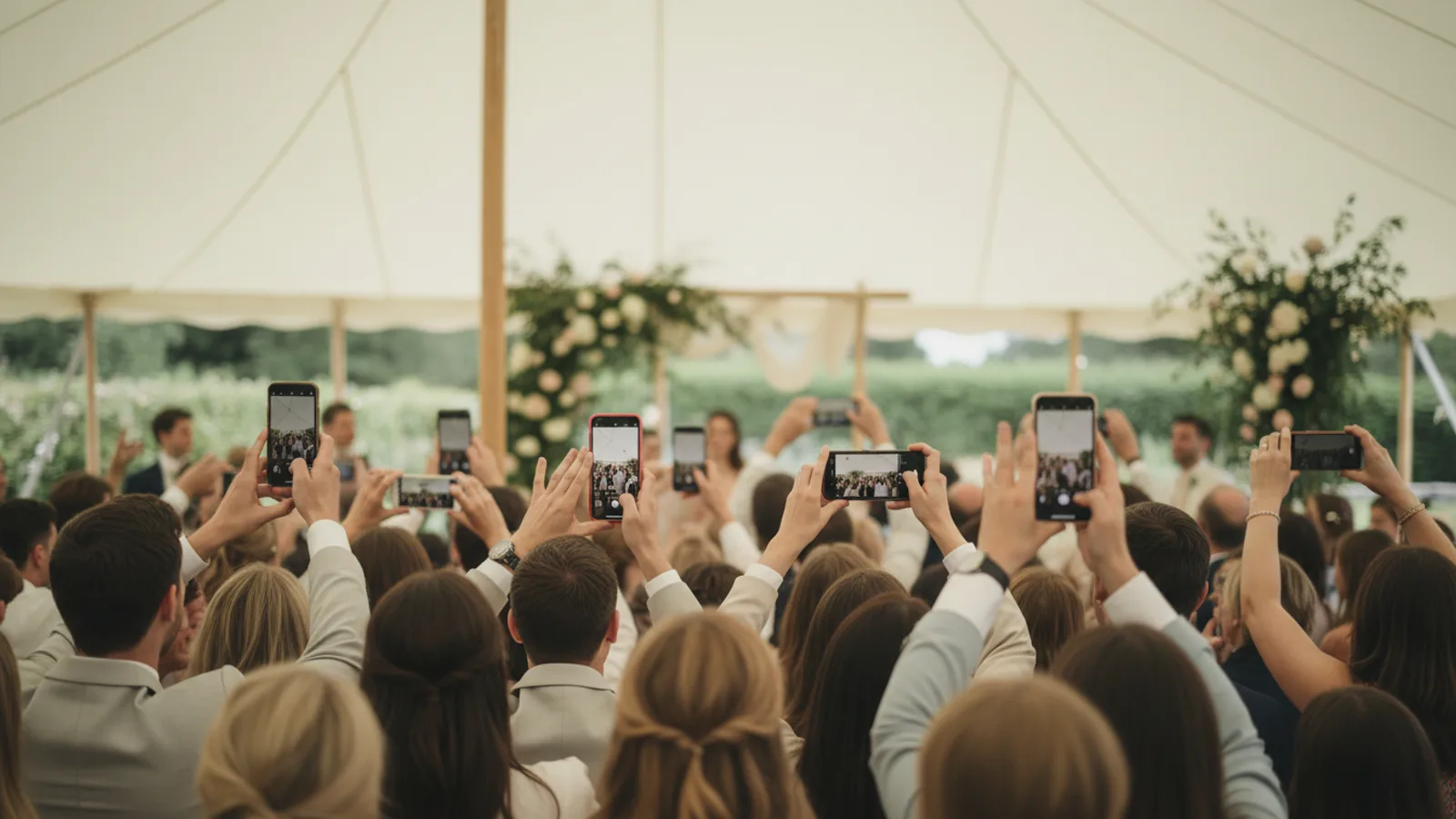
The photos exist. The morning after the wedding, every guest has ten or twenty moments in their camera roll that the photographer never saw: the friends' table, grandma on the dance floor, the send-off at two in the morning. What does not exist is a path for them to reach you. Collecting wedding photos from guests means building that path, and it has five steps.
Quick answer
- Create a place that opens in the phone's browser. A QR code that leads to an upload page, with no app to install and no account to create. It is the only format that works with two hundred people you will never manage to sign up one by one.
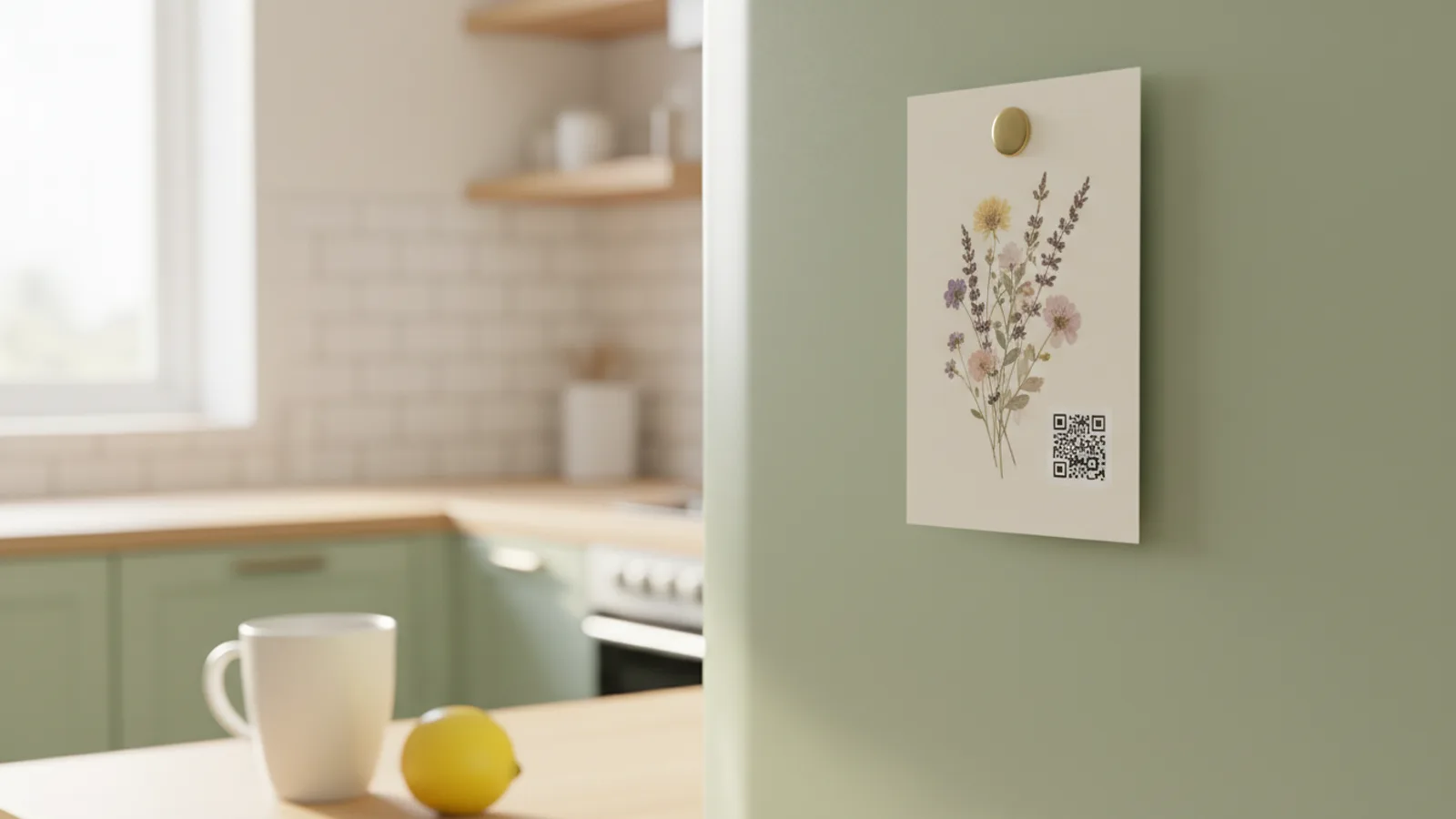
- Print the code where guests stand still: a card on every table, a poster at the entrance and at the bar.
- Ask out loud, and ask for something specific. "Send us your dance floor videos" gets more than "share your photos".
- The next morning, post the link in the family group. That is when people look through their camera roll.
- Download everything the following week, before the service's deadline runs out or someone clears their phone.
A WhatsApp group, Google Photos and a Drive folder collect photos too. Each asks the guest for something that, mid-party, many people will not give: joining a group, signing in, or patience with a folder of files.
Why the photos do not arrive on their own
A couple who does nothing gets, the next day, photos from half a dozen close friends, over WhatsApp, compressed. It is not that the others did not want to. It is three things:
- Nobody knows where to send them. Without an agreed place, the photo stays on the phone that took it.
- Sending takes effort. Every extra step (downloading something, creating an account, hunting for a link) is one fewer guest.
- Nobody asked. The guest does not know that their dance floor video matters to you. If nobody says so, they do not send it.
The five steps below fix exactly those three things, in that order.
The ways to collect the photos, side by side
| WhatsApp group | Google Photos or iCloud | Google Drive folder | Event QR code | |
|---|---|---|---|---|
| What the guest needs | WhatsApp, and someone to add their number | A Google or Apple account, signed in | A Google account to upload | Nothing: the page opens in the browser |
| Quality of what arrives | Compressed by default | Original | Original | Original |
| Where the photos end up | In the middle of a conversation | In an album everyone can see | In a folder of files | In an event with only photos and videos |
| Who sees what | Everyone sees everything | Everyone sees everything | Anyone with the link sees everything | Your call: closed, open at the end, or live |
| Your work the next day | Scroll the chat and download one by one | Download the album | Download the folder | Download everything at once, with the recap video already cut |
What the guest needs
- WhatsApp group
- WhatsApp, and someone to add their number
- Google Photos or iCloud
- A Google or Apple account, signed in
- Google Drive folder
- A Google account to upload
- Event QR code
- Nothing: the page opens in the browser
Quality of what arrives
- WhatsApp group
- Compressed by default
- Google Photos or iCloud
- Original
- Google Drive folder
- Original
- Event QR code
- Original
Where the photos end up
- WhatsApp group
- In the middle of a conversation
- Google Photos or iCloud
- In an album everyone can see
- Google Drive folder
- In a folder of files
- Event QR code
- In an event with only photos and videos
Who sees what
- WhatsApp group
- Everyone sees everything
- Google Photos or iCloud
- Everyone sees everything
- Google Drive folder
- Anyone with the link sees everything
- Event QR code
- Your call: closed, open at the end, or live
Your work the next day
- WhatsApp group
- Scroll the chat and download one by one
- Google Photos or iCloud
- Download the album
- Google Drive folder
- Download the folder
- Event QR code
- Download everything at once, with the recap video already cut
One code on the table, no sign-up for the guest.
Moment Recap gives your wedding a QR code and a link. Guests scan it and send photos and videos from the browser, with no app and no account, and everything lands in the same event at original quality. Creating the event is free, and you pay once, only if you need more guests.
Step 1, weeks before: create the place and the code
The place comes before the code. Decide where the photos will go, and only then make the QR code that points there. A printed code cannot change destination, so this is the decision that goes to the printer. It helps to have the wedding day timeline settled first too: the hours after your photographer leaves are the ones the code exists for.
If the destination is your event on Moment Recap, the wedding QR code generator makes the code for free, with your names and date, as PNG or SVG, and it already opens an event reserved for you. Activate it whenever you like, and everything printed before that keeps working. It is one code for the whole night: entrance, tables, bar and invitation.
If it is a Drive folder or a Google Photos album, the process is the same with any ordinary generator: create the album, copy the sharing link and make a code for it. Just check, before printing, what someone sees when they open the link while signed out. That is what your guests will see at the party.
Either way, the code goes on the invitation. Not for sending photos before the day, but so nobody arrives surprised. The invitation usually carries other codes, the RSVP QR code and the one for the registry, and what each QR code on the invitation should open shows how to keep the three apart.
Step 2, the week of the wedding: test with two phones
Do what your guests will do. With the printer's proof in hand:
- Scan it with two phones, one Android and one iPhone, ideally belonging to someone who has never used the service and is not signed in to anything.
- Send one photo and one video of a few seconds.
- Check what arrived: the quality, whether the video came through whole, how long it took.
If it asked for a login, told you to download something, or got stuck on either phone, it will get stuck for your guests too. Better to find out while the printer is still waiting for your approval.
Step 3, on the day: the code where people stand still, and the ask out loud
A QR code only gets scanned where someone is standing still, with a free hand and enough light. That settles the spots: a folded card on every table, a poster at the entrance, one at the bar and one in the bathroom. The dance floor and the ceremony do not work, however lovely the sign looks there. The code size for each piece is in where to put the QR code at your wedding.
The sign is half the job. The other half is someone saying it. One announcement from the planner or the DJ at the start of the reception, and another when the dance floor opens, does more than any sign alone. And the ask has to say what to send:
- "Film five seconds of the dance floor and send it through the code on your table."
- "If you got a photo of the couple's entrance, send it now, before you forget."
"Share your photos" is a request people leave for later. There are ready-made lines for each spot in what to write on the wedding QR code sign, and why a short vertical clip gets you more is in the clips guests actually send.
If the venue has a TV or a projector, turn on the event's live screen. The photos coming in roll past on the screen with the QR code beside them, and seeing your own photo up there is the best invitation to send the next one.
Step 4, the next morning: the link in the group
The event has a link as well as the code. The next morning, post the link in the family and friends group with a short ask: "whatever is still on your phone, send it here". That is when people, on the way home or over breakfast, scroll their camera roll and remember what they filmed.
The group is good for that announcement. It is not good for keeping the files, because WhatsApp compresses by default and the photos get lost among the congratulations. The division of labour is in QR code or a WhatsApp group.
It is worth repeating the ask a week later, once. After that, whoever has not sent is not going to.
Step 5, the following week: download everything
No service keeps the files forever for free, and no guest keeps their camera roll forever. The following week, download everything you want to keep and store it in two places.
On Moment Recap, files stay available for a period tied to your event's plan, and you download whatever you want, including the recap video cut from your guests' clips. You can also unlock downloads of the originals for guests, behind a password, for anyone who wants to keep the photos they are in.
And sharing the photos with your guests?
"Sharing wedding photos with guests" means two things, and both fit in the same event. The first is the five steps above: your guests share with you what they shot. The second comes after: you give them back what the whole party sent.
On Moment Recap, by default, each guest sees only what they sent and the final recap. The shared album is your call, with three settings: off, open when the event ends, or live from the first upload. Downloads are a separate switch, behind a password: whoever has it keeps the originals. And if you want the photos on show during the party without opening the album to anyone, the live screen puts them on the TV.
That way nobody waits weeks for the couple to post a link, and nobody sees early what you would rather see first.
Do guests have to download an app? No.
It is the question that most decides how many people take part, so it is worth being blunt. A QR code that opens a page in the phone's browser asks for no download, no account and no password. A guest who closes the page and comes back later picks up where they left off.
The other routes all ask for something. A WhatsApp group asks for the app, which everyone has, and asks them to join a group where each member's number is usually visible. Google Photos and iCloud ask for an account to add photos, and half the room has the wrong kind of phone. A Drive folder asks for a Google account to upload. And the wedding apps that come up first in a search ask for something too: the WedShoots page says that on the day every guest will have the app and the album code. None of those is a barrier for the best man. All of them are a barrier for your aunt, your colleague and your cousin's plus-one, and they are exactly the people holding the photos you have not seen.
If you are choosing a paid service, the questions that separate a good one from a bad one are in wedding photo app: what to check before you choose one, and the comparison of the free albums is in wedding shared album.
What about the photographer's photos?
Guest photos do not replace the photographer, and that is not what they are for. A standard photography package covers the ceremony, the portraits and part of the reception. What falls outside it are the hours when only guests have a camera in hand: the morning before the crew arrives and the end of the party, after they have left. The whole path, from the printed code to the album and the video, is on the wedding QR code for guest photos and videos page.
What you get at the end
With the group, the wedding ends in a long chat of compressed files. With a folder, it ends in a folder. With a Moment Recap QR code, it ends with every photo and video in one place, at original quality, and a vertical video already cut from the best moments, in 15, 30 and 60 second versions, ready the same night.
Turn your guests' clips into a recap worth sharing.
Create your event, share one QR code, and get a vertical recap the same night.