What to write on your wedding QR code sign (ready-made wording by spot)
Ready-made wording for a wedding QR code sign: table, entrance, bar and bathroom. The one-sentence rule, what to ask guests to send, and what to cut from the text.
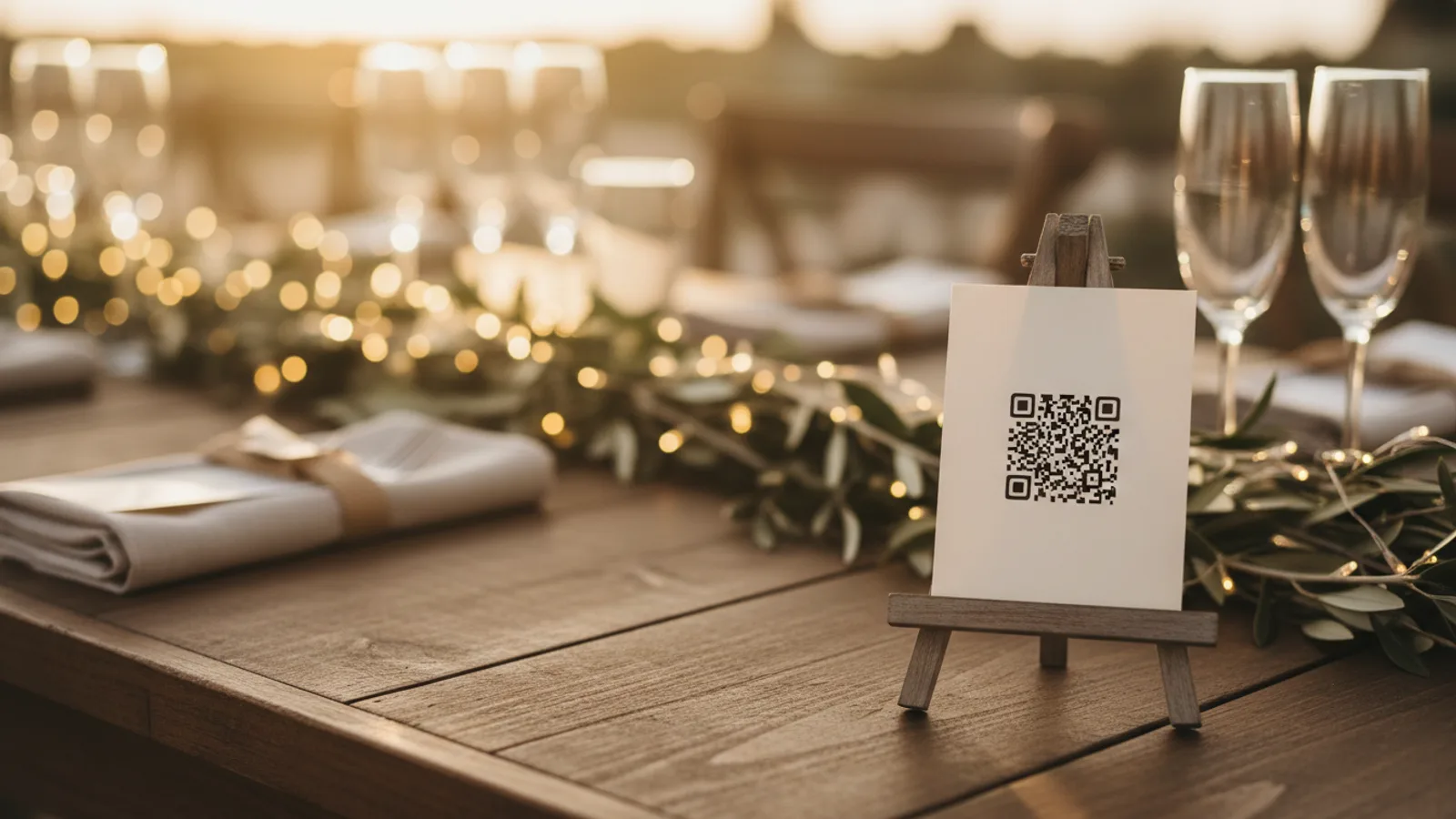
The sign is printed, the code scans from across the table, and still only a few photos come in. Once the code works, the problem has usually moved: it is in the sentence.
A guest looks at the sign for a few seconds, glass in hand. In that time they need to understand three things: what to do, how much effort it takes, and what happens after they scan. The text is there to answer those, and nothing else.
Quick answer
Write one specific action with a small effort, and make clear there is no app to install. A formula that works: verb + what + how much.
"Scan and send a 5-second video of what you're looking at right now. No app, no sign-up."
Avoid "Share your photos". It is a request guests leave for later, and later never comes. Ready-made wording for the table, entrance, bar and bathroom is just below.
Why the sentence matters more than the design
A wedding sign has two separate jobs: to be seen and to be understood. Design handles the first. The second is only the text.
A vague request ("share your photos") hands the guest a decision: which photo, how many, when, for what. Every decision is a reason to put it off. A specific request ("5 seconds of what you're looking at") takes the decision out of their hands and leaves only the action.
That is our judgement, not a test result. What we can say with confidence is what we saw in how to collect wedding videos from guests' phones: asking for something specific gets you something specific.
Ready-made wording, by spot
The same sentence does not work in every corner of the party. At the entrance people are arriving and read standing up; at the table they are seated and have time; in the bathroom they are standing still with a phone in hand. The text changes with that.
| Spot | Wording | Why it works |
|---|---|---|
| Table card | Scan and send 5 seconds of our table. Right now is fine. | A small task for someone seated with nothing to do between courses. |
| Entrance | Today we want to see the wedding through your eyes. Scan and send your moment. | This is the sign that introduces the idea. The guest meets the code again at the table. |
| Bar | While your drink is on its way: scan and send a quick video of the party. | It uses a real wait. |
| Bathroom | You have your phone in your hand. Scan and send a 5-second video. | It says the obvious with a smile, and the obvious is what gets people moving. |
| Postcard on the plate | Send a 5-second video of any moment tonight. No app, no sign-up. | It stays with the guest all night, so it can ask for any time of the evening. |
| Invitation | On the day we'll ask for short, vertical videos. Keep this in mind. | It warns people early, before they are holding a plate. |
Table card
- Wording
- Scan and send 5 seconds of our table. Right now is fine.
- Why it works
- A small task for someone seated with nothing to do between courses.
Entrance
- Wording
- Today we want to see the wedding through your eyes. Scan and send your moment.
- Why it works
- This is the sign that introduces the idea. The guest meets the code again at the table.
Bar
- Wording
- While your drink is on its way: scan and send a quick video of the party.
- Why it works
- It uses a real wait.
Bathroom
- Wording
- You have your phone in your hand. Scan and send a 5-second video.
- Why it works
- It says the obvious with a smile, and the obvious is what gets people moving.
Postcard on the plate
- Wording
- Send a 5-second video of any moment tonight. No app, no sign-up.
- Why it works
- It stays with the guest all night, so it can ask for any time of the evening.
Invitation
- Wording
- On the day we'll ask for short, vertical videos. Keep this in mind.
- Why it works
- It warns people early, before they are holding a plate.
The code and the print sheet come ready.
Moment Recap generates the event's QR code and a print sheet in eight formats, at true scale. You only choose what to write.
Five rules for the text
1. One sentence, one request
A sign with three requests (photos, videos, tag the account, use the hashtag) makes the guest choose and, in the end, do none. Pick the main request and cut the rest. The same goes for codes: if the entrance also has a code that helps guests find their seat, it gets its own sign and its own sentence, "Find your table: scan and search your name".
2. Verb first
"Scan and send" starts with the action. "We would love to keep every detail of our day" starts with you. The guest reads the beginning and decides whether to keep reading.
3. Say how big the effort is
"5 seconds" works because it shrinks the request. Someone who does not know how long it will take assumes it will take long. The same goes for "no app, no sign-up": the code opens a page in the phone's browser, and saying so on the sign removes an objection the guest would only have raised in their head.
4. Ask for vertical video, in one word
If the goal is a finished video, ask for video. "Short video" or "5 seconds" already signals the format. The reason to ask for vertical is in vertical vs landscape: what the evidence says, and it does not need to become a paragraph on the sign.
5. Drop the web address
The code exists precisely so the guest does not have to type anything. Spelling out the URL in small print only takes space the main text needs. If you want a fallback for someone who cannot scan, one short line of support is enough.
What to cut
- "Share your photos". Too vague. Swap it for an action with a size.
- The wedding hashtag. It is a second request, and it leads nowhere if the album is already behind the code.
- Long thank-you text. It fits on the invitation or in the speech, not on the sign.
- "Scan me" on its own. It says how, not why.
- Rhymes and puns that hide the request. Humour is fine, as long as the request stays readable on the first line.
Tone: formal, funny or warm
The tone is your party's, and the three versions below ask for the same thing:
- Direct: "Scan and send 5 seconds of the party. No app, no sign-up."
- Funny: "The photographer can't catch everything. You can. Scan and send a 5-second video."
- Warm: "We want to see our day through your eyes. Scan and send your moment."
The funny version only works if the request stays clear. A joke that hides the "5 seconds" is a joke that cost you a video. And if what you want from guests is a sentence said to camera, not a moment of the party, the questions worth printing are in the wedding video guest book post.
A wedding with guests who read another language
If some guests read another language, repeat the main sentence in theirs, at the same type size. A smaller line tucked underneath is a line nobody reads. Two short sentences, one per language, work better than one long bilingual one.
Does the text fit, or does it shrink the code?
Text that is too big pushes the code into a smaller corner, and then the problem is physical again. The text has to fit beside the code at the size it already has, not in its place. The sizes that hold, format by format, are in what size a wedding QR code sign should be. With a single sentence there is room in any of them.
Before you print
- Read the sentence out loud. If it holds more than one request, cut.
- Show the sign to someone who does not know the event for three seconds, and ask what they understood.
- Check the sentence reads from where the guest will be, not from your desk.
- Scan the printed code once before you print fifty.
Where each sign goes is in where to put the QR code at your wedding. The whole path, from the code to the finished video, is on the wedding QR code for guest photos and videos page. The code itself comes from the wedding QR code generator, free and in the style you pick.
Turn your guests' clips into a recap worth sharing.
Create your event, share one QR code, and get a vertical recap the same night.