Where to put the QR code at your wedding (and where it does not work)
The places at a wedding where a QR code actually gets scanned: the entrance, the tables, the bar, the bathroom and the live screen, plus the seating chart code that helps guests find their table. With the right format and code size for each, and the spots where a sign looks lovely and nobody uses it.
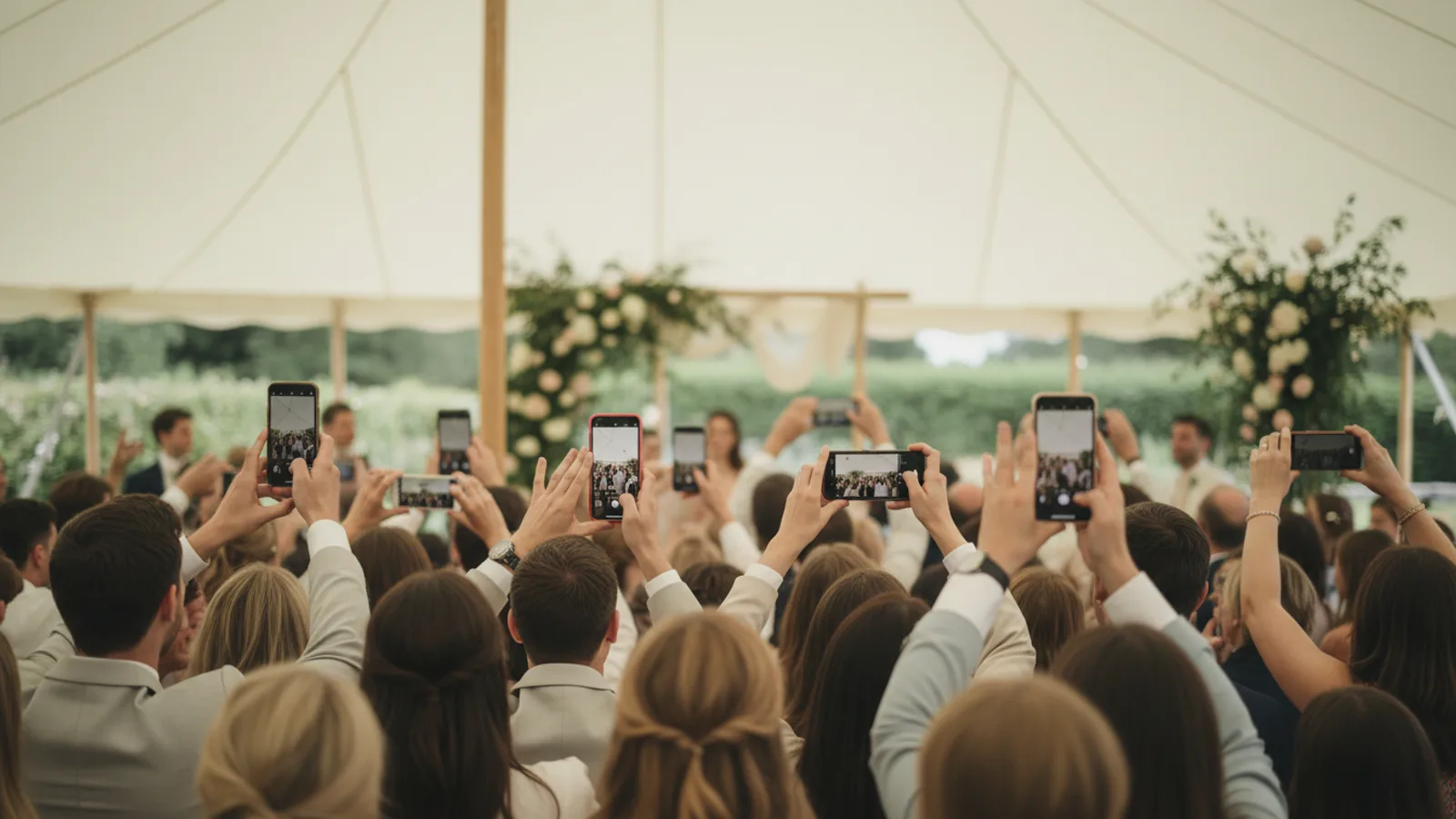
A QR code sign only works where a guest is standing still and has a free hand. That sounds obvious, and yet most wedding signs end up exactly where people are walking, talking or holding a plate.
The right question is not "where does it look nice". It is "where, during the party, will someone have ten seconds and a spare hand". And ten seconds is only enough if the code opens straight in the browser with nothing to download, which is the first thing to check in a wedding photo app.
Quick answer
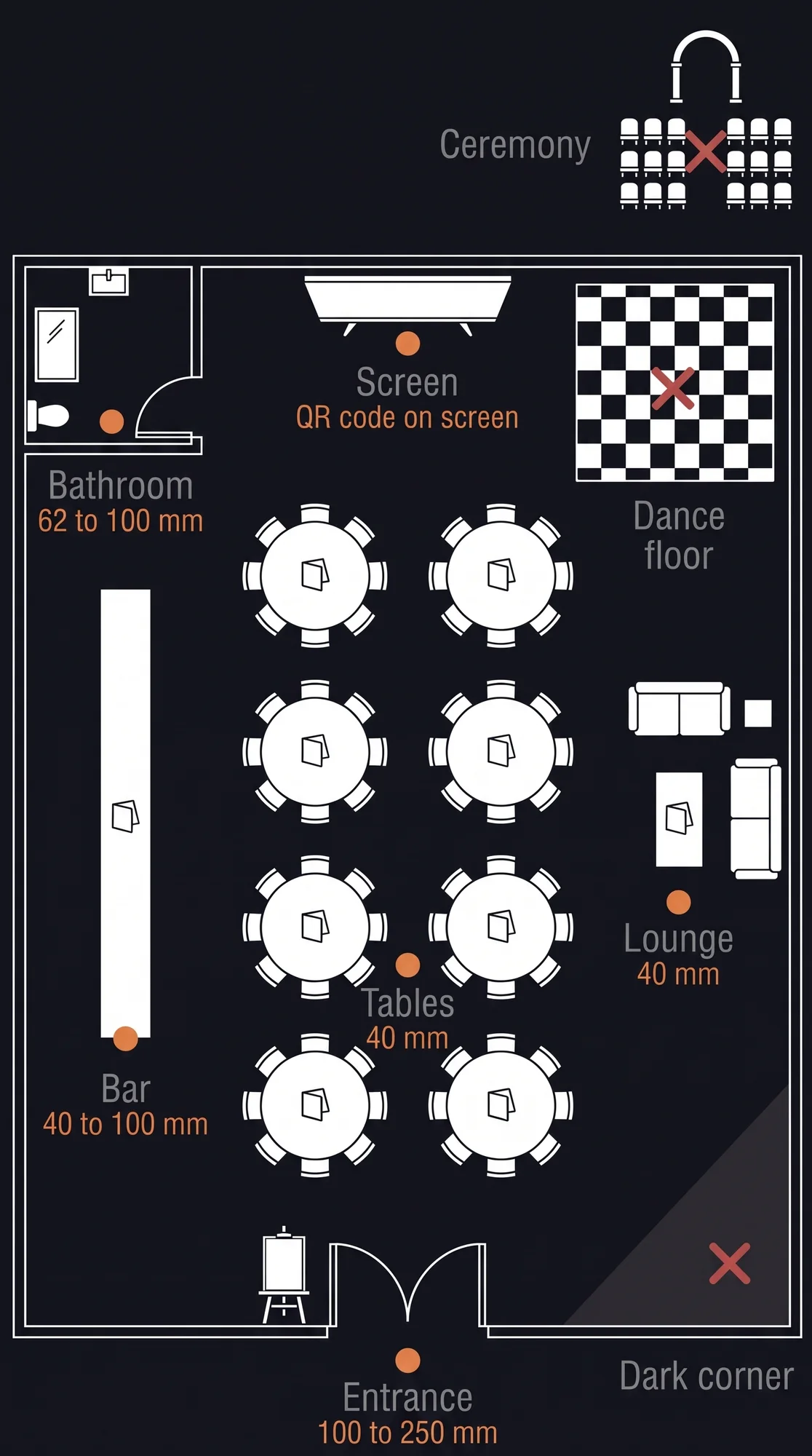
A card on every table is the piece that does the most work. Add a poster at the reception entrance, one at the bar and one in the bathroom. If there is a screen, put the QR code on it. And print the code on the invitation, so nobody arrives surprised.
To help guests find their seat, use a second, separate code at the entrance, next to the printed seating chart: it opens the list of names with the table number beside each one.
Avoid: the ceremony, the dance floor, dark corners and signs behind glossy acrylic.
The test for any spot
Before you put a sign anywhere, ask three questions:
- Does the guest stand still there? People who are walking do not scan.
- Do they have a free hand? Someone holding a plate, a glass and a bag at once does not scan.
- Is there enough light for the camera? Reception light is far dimmer than the light you tested the sign in at home.
The places below pass all three. The ones at the end of the article fail at least one.
The places that work
| Spot | Format | Printed code |
|---|---|---|
| Guest tables | Folded table card | 40 mm |
| Reception entrance | A4 or A1 poster on an easel | 100 to 250 mm |
| Bar | A4 poster or a table card on the counter | 40 to 100 mm |
| Bathroom | Flyer or A4 on the wall, near the mirror | 62 to 100 mm |
| Lounge | Table card | 40 mm |
| Each place setting | A6 postcard | 50 mm |
| Invitation | Printed on the invitation itself | 30 mm or more |
Guest tables
- Format
- Folded table card
- Printed code
- 40 mm
Reception entrance
- Format
- A4 or A1 poster on an easel
- Printed code
- 100 to 250 mm
Bar
- Format
- A4 poster or a table card on the counter
- Printed code
- 40 to 100 mm
Bathroom
- Format
- Flyer or A4 on the wall, near the mirror
- Printed code
- 62 to 100 mm
Lounge
- Format
- Table card
- Printed code
- 40 mm
Each place setting
- Format
- A6 postcard
- Printed code
- 50 mm
Invitation
- Format
- Printed on the invitation itself
- Printed code
- 30 mm or more
The code sizes come from the maths in our article on what size a wedding QR code sign should be. The rule behind them: the further away someone reads it from, the bigger the code.
Tables: one card per table
This is where guests spend the most time seated, phone in hand, with nothing to do between courses. A folded table card stands at the eye level of a seated guest and reads from both sides, so a whole round table reaches it without getting up.
One card per table, not one every three. Nobody walks to the next table to scan.
Reception entrance
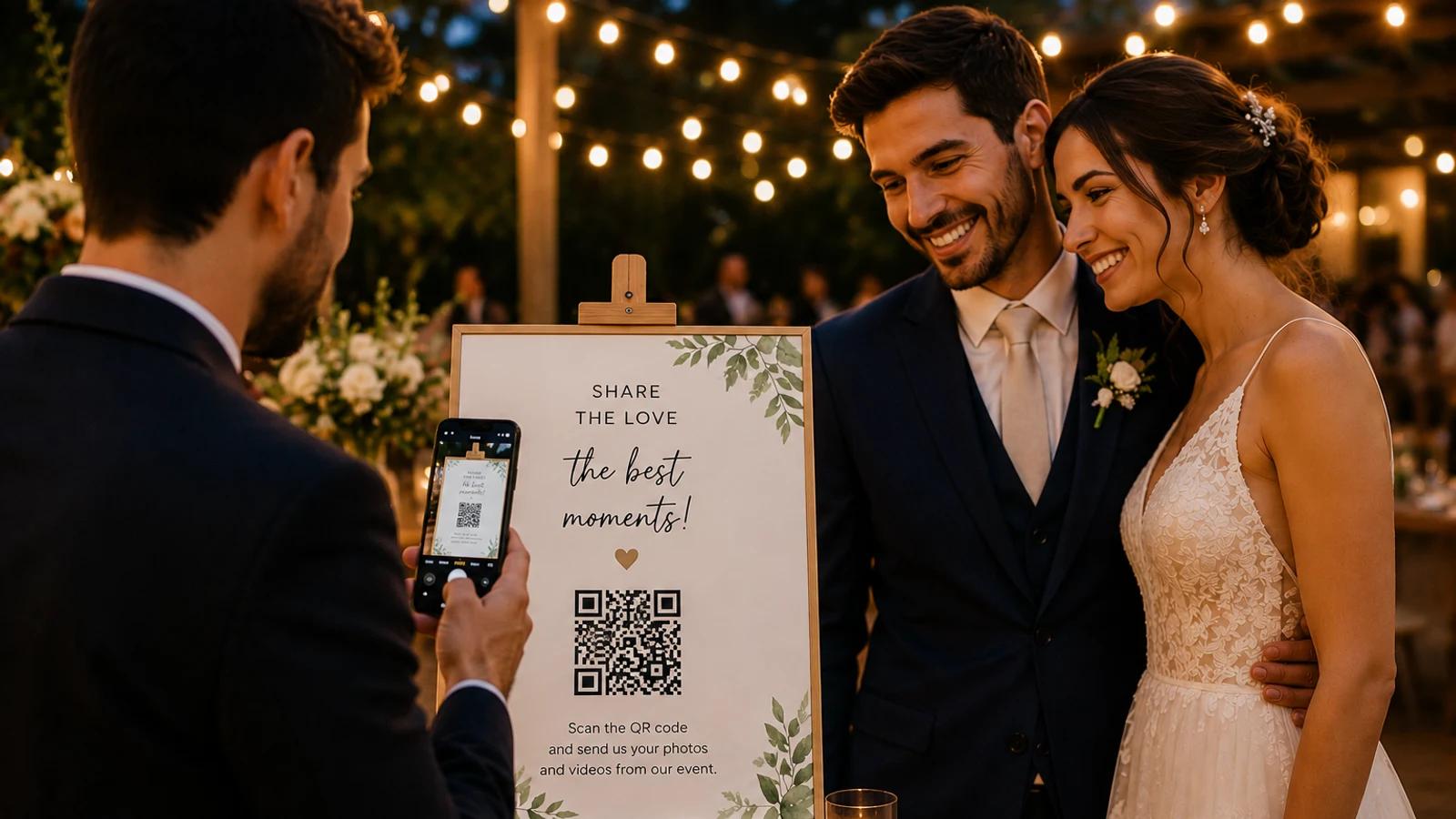
This is the first time a guest sees the QR code, and where they work out what it is for. A large poster on an easel, read standing up and from a distance, does that job. It does not need to drive many uploads on its own: its job is to introduce the code the guest will meet again at the table.
If there is a receiving line, put the poster there. A line is people standing still with their phones out.
Bar
The bar has a wait, and a wait is exactly what a sign needs. A card on the counter, or an A4 poster standing on it, reaches everyone waiting for a drink.
Bathroom
Seriously. It is one of the few places at a party where someone is alone, standing still, phone in hand. A sign on the wall near the mirror is read from about half a metre away, so a flyer is enough.
Each place setting
An A6 postcard at every seat has one advantage no other piece has: it goes home in a bag. It is for the guests who only send their photos the next day, on the way home, along with the event link you post in the family WhatsApp group the next morning.
Invitation
The code on the invitation is not for sending photos before the wedding. It is so nobody arrives surprised: when a guest sees the sign at the party, they already know what it is. An invitation is read in the hand, so a small code, from 30 mm, works. If the invitation also carries an RSVP code, see what each QR code on the invitation should open so the two are not confused.
A QR code for the seating chart: how guests find their seat
The guest scans a code at the entrance, the seating list opens on their phone, they search for their name and see their table number. That is all it does, and it does one useful thing: it empties the crowd in front of the printed chart, where everyone arrives in the same ten minutes after the ceremony.
It is a different code from the photo one, with a different job, so it gets its own sign.
What the code opens. A list sorted by surname, one guest per line, with the table number next to each name. A shared spreadsheet set so anyone with the link can view it works, and so does a PDF: the phone's search finds a name in either. Add a simple floor plan with the table numbers below the list, because "table 12" means nothing until you know where 12 is. And make the number on each table big enough to read from a few metres away, standing.
Where it goes. At the entrance to the reception, on its own poster beside the printed chart, with a code of 100 to 250 mm, since it is read standing and from a distance, the same as the entrance poster above. Not on the table cards: someone reading a table card has already found their table. The table belongs to the photo code.
Keep the printed chart. The code replaces the queue, not the chart. Some guests will not scan: a grandparent without a smartphone, a phone with a dead battery, a hall with no signal. Before the day, open the link on your phone at the venue, on mobile data rather than the venue Wi-Fi.
Two codes, two signs. Label each one with what it opens: "Find your table: scan and search your name" on one, the photo request on the other. A guest who scans the wrong code at the entrance gives up on both. Wording for the photo sign is in what to write on the wedding QR code sign.
Last-minute changes. A printed code always opens the same link, but what is behind a shared spreadsheet link can still change: a table swap the night before is an edit, not a reprint. A PDF holds the list as it was when you exported it, so if you use one, export it after the last change.
The live screen, if you have one
If the venue has a TV or a projector, turn on the event's live screen: everyone's photos roll past with the QR code beside them. It does two things a sign cannot. The whole room sees it at once, and it shows the result: seeing your own photo up there is the best invitation to send the next one.
One QR code for the whole night, and the live screen ready to go.
Moment Recap gives you the wedding QR code, print-ready signs in eight formats and the live screen. When the party ends, the best clips become a finished video.
Where a sign looks lovely and nobody uses it
- At the ceremony. Many couples ask guests to put their phones away, and even when they do not, nobody stops a ceremony to scan. The first sign goes at the entrance to the party, not the aisle.
- On the dance floor. Nobody stops dancing to scan, and the dance floor has the worst light of the night.
- In dark corners. The camera needs light to read the code. A beautiful sign lit by a single candle fails in the one second a guest gives it.
- Behind glossy acrylic or glass. Reflections from the party lights land right on the code. If the sign is acrylic, pick a matte finish, or test it in place under the evening light.
- Too high or too low. A poster hung above people's heads or propped on the floor makes the guest reposition. Chest height for someone standing, eye level for someone seated.
A sign in the right place still needs a push
A well-placed sign is half the job. The other half is saying it out loud. One announcement from the planner or the DJ at the start of the reception, and another when the dance floor opens, does more than any sign alone, and the wedding timeline generator tells you what time both of those land on your day. Where the sign and the announcement sit in the whole sequence, from the printer's proof to the download, is in how to collect wedding photos from guests. And say what to send: a specific request gets far more than "share your photos", and we put ready-made wording for each spot in one place. The ask itself is covered in how to collect wedding videos from guests' phones.
The whole path, from the printed code to the shared album and the video, is on the wedding QR code for guest photos and videos page. If you don't have the code yet, the wedding QR code generator makes one for free, ready to print.
Turn your guests' clips into a recap worth sharing.
Create your event, share one QR code, and get a vertical recap the same night.