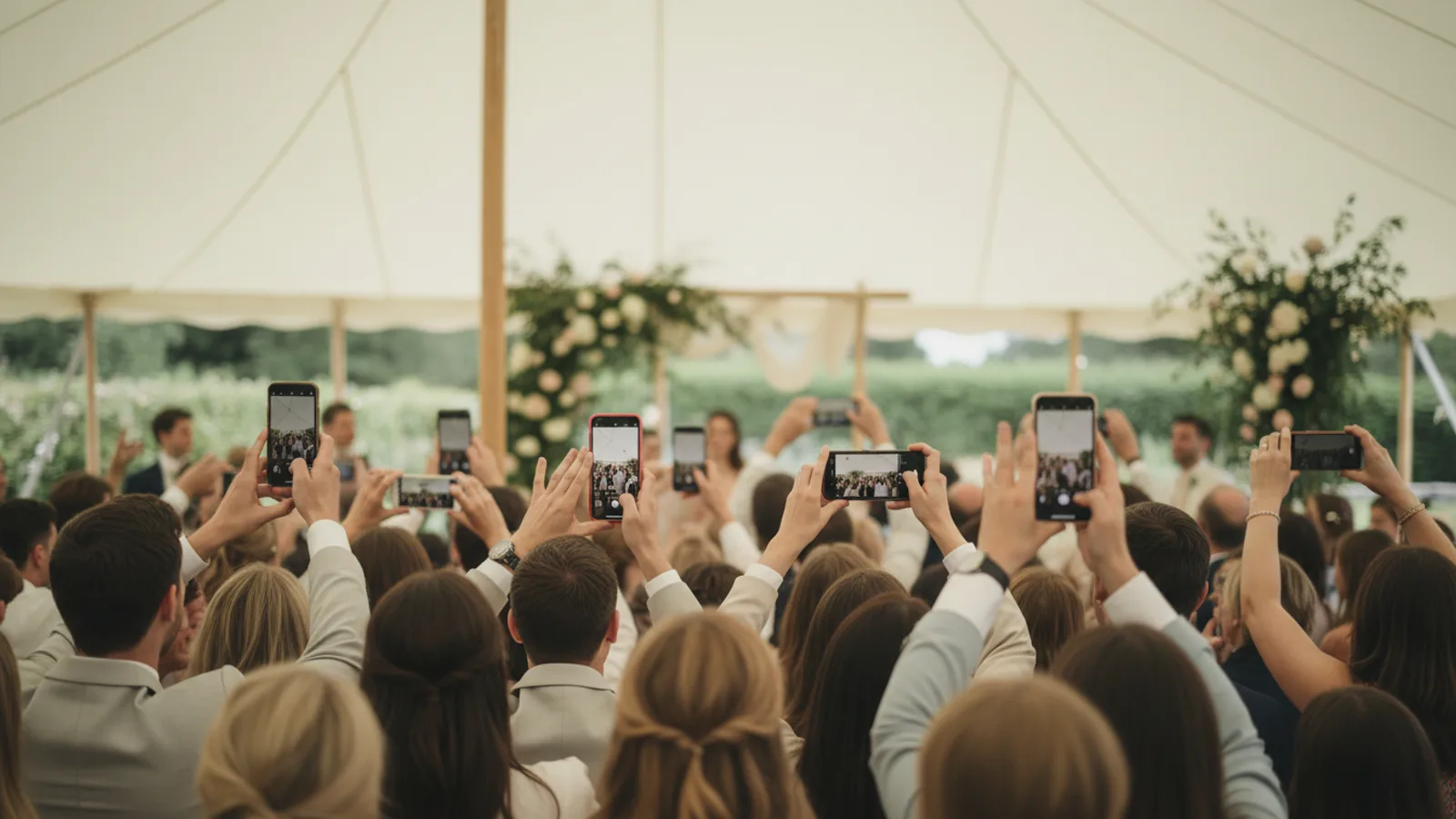
QR code or a WhatsApp group for wedding photos and videos?
A WhatsApp group or a QR code for collecting guest photos and videos at a wedding: where the group works, where it breaks (quality, clutter, exposed numbers) and how to use both.
Almost every couple thinks of it first: "we'll make a WhatsApp group and ask everyone to send their stuff there". It is free, everyone already has the app, and it looks solved. For a small party among friends, it is. For a wedding, the group tends to fail in ways you only see after the party.
Quick answer
For a wedding, use a QR code. Guests scan it and send from their phone's browser, with no app and no group to join, and everything arrives in one place, at original quality.
A WhatsApp group works for a small get-together where everyone knows each other and you only want to see the photos. At a wedding it runs into four things: someone has to add everyone, each guest's number is usually visible to the others, WhatsApp compresses photos and videos by default, and the files get lost among hundreds of messages.
You can use both: the group for announcements, the QR code for the files.
Side by side
| WhatsApp group | Event QR code | |
|---|---|---|
| How guests get in | Someone adds them by number, or they join through an invite link | They scan the code on the table and a page opens in the browser |
| App needed | They need WhatsApp | No. No app and no sign-up |
| Privacy | Members see each other's phone numbers, unless they have set up a username | Nobody sees anybody's contact details |
| File quality | Compressed by default, unless each person picks HD or sends as a document | Original |
| Where files end up | Mid-conversation, between congratulations, stickers and voice notes | All in the same event, only photos and videos |
| Who sees what | Everyone sees everything, right away | You decide whether and when guests see the album |
| When the party ends | A long chat to scroll through and download file by file | Every file in one place and a finished recap video |
| Cost | Free | Free to try, then one payment per event |
How guests get in
- WhatsApp group
- Someone adds them by number, or they join through an invite link
- Event QR code
- They scan the code on the table and a page opens in the browser
App needed
- WhatsApp group
- They need WhatsApp
- Event QR code
- No. No app and no sign-up
Privacy
- WhatsApp group
- Members see each other's phone numbers, unless they have set up a username
- Event QR code
- Nobody sees anybody's contact details
File quality
- WhatsApp group
- Compressed by default, unless each person picks HD or sends as a document
- Event QR code
- Original
Where files end up
- WhatsApp group
- Mid-conversation, between congratulations, stickers and voice notes
- Event QR code
- All in the same event, only photos and videos
Who sees what
- WhatsApp group
- Everyone sees everything, right away
- Event QR code
- You decide whether and when guests see the album
When the party ends
- WhatsApp group
- A long chat to scroll through and download file by file
- Event QR code
- Every file in one place and a finished recap video
Cost
- WhatsApp group
- Free
- Event QR code
- Free to try, then one payment per event
One code on the table, no group to manage.
Moment Recap gives your wedding one QR code and one link. Guests send photos and videos from the browser, with no app and no sign-up, and everything lands in the same event at original quality.
Where a WhatsApp group breaks at a wedding
1. Someone has to get everyone in
With a group, you either add each guest by number or share an invite link. The first means collecting two hundred phone numbers, including your cousin's plus-one. The second ends up as a sign on the table with a code to join the group. At that point you are already using a QR code, it just leads to the messiest place it could.
2. Joining exposes everyone's number
In a regular group, anyone who joins can see the other members' phone numbers. WhatsApp has started rolling out usernames that hide the number, but only for people who set one up, and most of your guests won't have. At a wedding that mixes the groom's family, the bride's colleagues and the supplier someone added by mistake. Plenty of people simply don't join because of it, and that is a refusal you never hear about.
3. WhatsApp lowers the quality of photos and videos
By default, WhatsApp sends photos and videos as a compressed version so they stay light. It has an option to send in HD and another to send as a document, which keeps the file intact, but the guest has to choose that on every send, in the middle of a party. In practice almost nobody does. The video you get is a smaller copy of what stayed on the phone that filmed it.
It matters more for video than for photos. A compressed photo is still fine to forward to your grandmother. A compressed video, stretched across a big screen or cut into a wedding film, shows the difference.
4. The files get lost in the conversation
A wedding group gets far more than photos: congratulations, stickers, voice notes, "has anyone seen my bag?", a photo of someone's foot sent by accident. The next day, gathering the videos means scrolling the whole chat and downloading them one by one. And the group does not end with the party: it lingers, people leave, and files nobody saved vanish from the phone of whoever cleared their storage.
Where a WhatsApp group works
None of this makes the group useless. It is great at what a conversation is for:
- Announcements before the wedding: times, address, dress code, the registry. If those also go on paper, what the QR code on the invitation should open covers the registry, and the RSVP QR code covers the form guests fill in.
- The wedding party and close family, who already know each other and already message.
- A small celebration, where everyone has everyone's number and nobody is going to edit anything afterwards.
The problem is not WhatsApp. It is using a conversation as an album, when a shared album built for the wedding does that job better. For a birthday or a company party the maths is the same, and shared album for an event shows what changes for each.
How to use both
The combination that makes the most sense leaves each one doing its own job:
- The QR code stays at the party. On the tables, at the bar, at the entrance. That is where the files come in. The spots that work are in where to put the QR code at your wedding, and the sentence that gets guests moving is in what to write on the sign.
- The link goes in the group. The event has a link as well as the code. Post it in the family group the next morning, asking for the videos still on people's phones. That is when a lot of guests scroll their camera roll and remember what they filmed, which is why the reminder is its own step in how to collect wedding photos from guests.
- The group stays for talking. Congratulations, thank-yous and the photo of your grandmother dancing can stay there. Just don't rely on it to keep the wedding.
What about a Google Drive folder?
It is the third free option, and it beats the group on quality: the file arrives as it was recorded. What it does not solve is everything else: the guest lands in a folder of files with nothing telling them what to send, and at the end of the night turning it into something anyone wants to watch is still your job. The full comparison is on the wedding QR code for guest photos and videos page.
What changes when the party ends
With the group, the wedding ends with a long chat and compressed files. With a Moment Recap QR code, it ends with everything in one place and a vertical video already cut from the best moments, in 15, 30 and 60 second versions. The clips that work best in that video are in how to collect wedding videos from guests' phones.
Turn your guests' clips into a recap worth sharing.
Create your event, share one QR code, and get a vertical recap the same night.